
What Is a San Mateo County Court Docket
A docket is the court's dated index of every step taken in a case. In San Mateo County, this list is called the register of actions. Each entry holds a date, an event type, who filed it, and a short note. The clerk adds a new line as soon as a paper is filed, a motion is heard, an order is signed, or a hearing is set. The docket does not hold the full text of every paper. It points to the papers. Some of those papers can be viewed online, and some must be read in person at the Hall of Justice and Records, 400 County Center, Redwood City.
San Mateo County court dockets serve three groups. Litigants use them to track their own case. Lawyers use them to plan motions and check the calendar. The public uses them to follow open court business. The Superior Court of California, County of San Mateo, runs every docket page. Federal cases for the county sit in the U.S. District Court for the Northern District of California, which has its own docket tool. Appeals from local trial-court dockets go up to the California Court of Appeal, First Appellate District.
Note: A docket is a log of events, not the full case file, and not every event line links to a downloadable document.
How to Look Up San Mateo County Dockets
The court runs two free tools for docket lookup. MIDX, the San Mateo County Superior Court Records Index, is the public index for appeals, civil, criminal, family law, probate, and small claims cases. The court warns that MIDX gives index data only. It does not jump straight to the Odyssey detail page. For the full register of actions, users move to the Odyssey Public Portal, which needs no login.
Both tools accept name, case number, or business name. MIDX caps a filing-date range at five calendar days. Odyssey uses a Smart Search bar plus advanced filters. Wildcards work in both, by adding an asterisk after the partial term. Each tool covers a different slice of the court's data, so most users open MIDX first, find a case number, then move to Odyssey for the docket lines.
- Open MIDX at web.sanmateocourt.org/midx and pick a search tab: Case Number, Person, Business, or Filing Date.
- Enter the case number (five or more characters), name (two or more characters in each field), business name (three or more), or date range (up to five days).
- Click Submit. Review the index hits and note the case number and case type.
- Open the Odyssey Public Portal in a new tab. Use Smart Search to load the matching case file.
- Click the case row. Read the register of actions for hearing dates, filings, minute orders, and dispositions.
- Use the breadcrumb links to step back to the result list. Return to MIDX if a different case file is needed.
Family law cases, juvenile cases, adoption cases, and mental health cases are not on the public portal. If a record falls in those buckets, the path is the Clerk's Office, in person, with proof of party or representative status. The court also runs LiveChat through the Self-Help Center for users who get stuck.
San Mateo County Online Portals
The Superior Court explains its three Odyssey portals on the Odyssey portals overview page. The public portal is open to anyone. The attorney portal needs a State Bar number and approval. The pro per portal is for self-represented parties and needs an in-person appointment to set up.
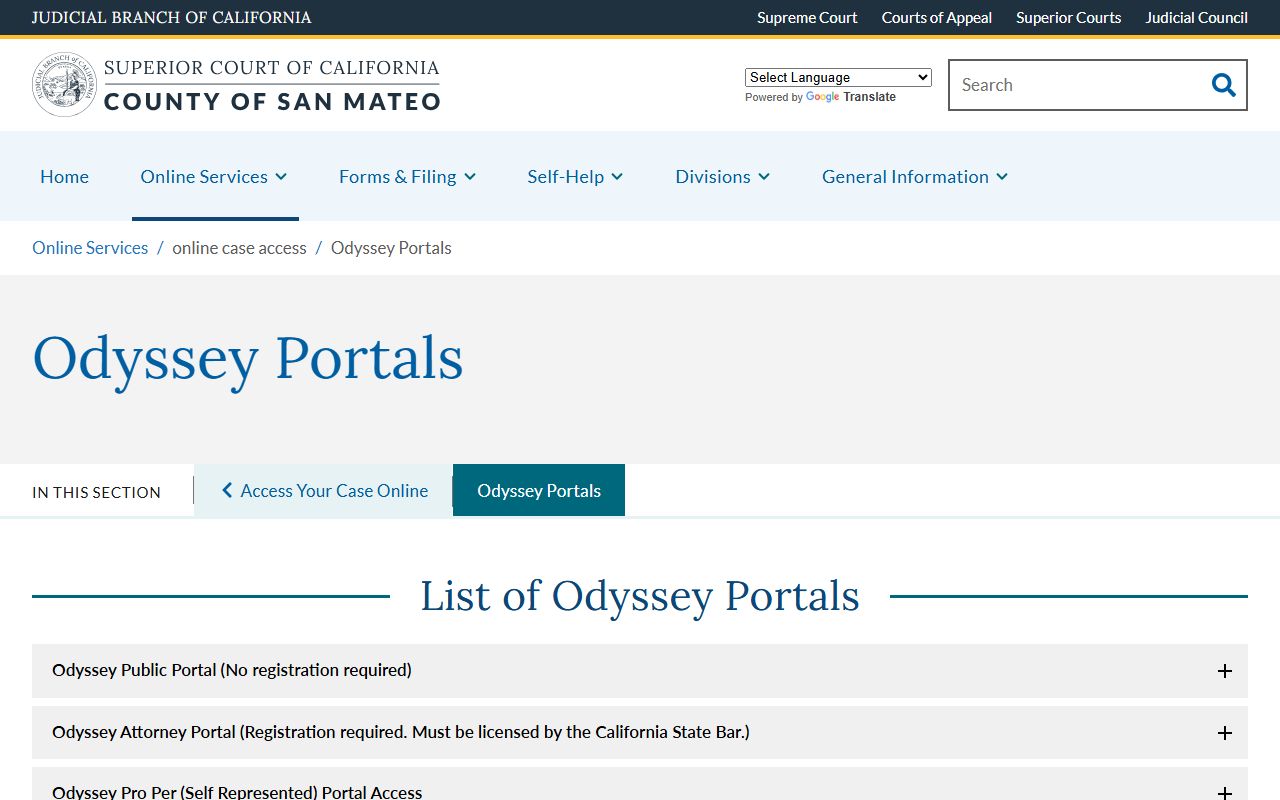
The portal page lists which case types each user group can view, which document classes are blocked, and which routes lead to in-person clerk help. Family law documents stay off the public portal at this time, even for attorneys, with minute orders as the only exception in the attorney view.
Sample San Mateo County Docket Entry
A San Mateo County docket entry packs a lot into one line. Each row holds the entry date, the type of event, the filing party, and a short note that points at the document. The table below shows the four fields seen on a typical register-of-actions row, drawn from the court's public portal layout and from the inmate locator's Court Dockets table.
| Filing Date | Document Type | Filed By | Notes |
|---|---|---|---|
| MM/DD/YYYY entry date set by the clerk | Complaint, motion, minute order, hearing notice, judgment, or proof of service | Plaintiff, defendant, petitioner, respondent, people, or the court | Short clerk text such as hearing date, courtroom, ruling, or document link if posted |
| Same-day filings stamp the file time | Bench warrant, bail order, plea entry on criminal dockets | Attorney of record or pro per party | Bail amount, charge code section, severity letter for criminal lines |
| Hearing dates load with the calendar event | Case management conference, status, trial setting, trial | Court or counsel | Department number, judge, time, and follow-up date |
| Disposition dates close the case line | Judgment, dismissal, sentencing, satisfaction of judgment | Court | Outcome text, fine total, restitution amount, probation length |
Document links sit in the last column when remote access is allowed. Civil, small claims, probate, and traffic dockets show the most links. Criminal docket lines are present in the register of actions, but document downloads are tighter for the public.
San Mateo Superior Court Branches
The Superior Court of California, County of San Mateo, posts dockets for cases heard at four branches. The court is one unified trial court. California has had no Municipal Court, Justice Court, or Justice of the Peace court since the 1998 unification. All trial-level work, from a parking ticket to a felony, sits in this one court. The court's locations page lists every branch address and main phone line.
- Hall of Justice and Records (Southern Branch), 400 County Center, Redwood City, CA 94063, (650) 261-5100. Civil, criminal, family, probate, small claims, appeals, records.
- Northern Branch, 1050 Mission Road, South San Francisco, CA 94080, (650) 261-5100. Houses the Traffic Division and serves northern county matters.
- Central Branch, 800 North Humboldt Street, San Mateo, CA 94401, (650) 261-5100. Branch courtrooms.
- Juvenile Branch, 222 Paul Scannell Drive, San Mateo, CA 94402, (650) 261-5100 option 8. Juvenile dockets are restricted by statute.
Most public dockets that show up online come from the Hall of Justice and Records. That building also holds the Records Management Division at Room A on the first floor, where staff pull off-site files for a fee on written request. Phone hours for civil, family, and probate records run 8:30 a.m. to 1:00 p.m.
San Mateo County Judges and Departments
Each docket line lists a department or courtroom number that ties back to one judicial officer. The court's directory of judges names every judge sitting in San Mateo County, the department, and assignment. Use it when a docket entry shows a courtroom number but no judge name.
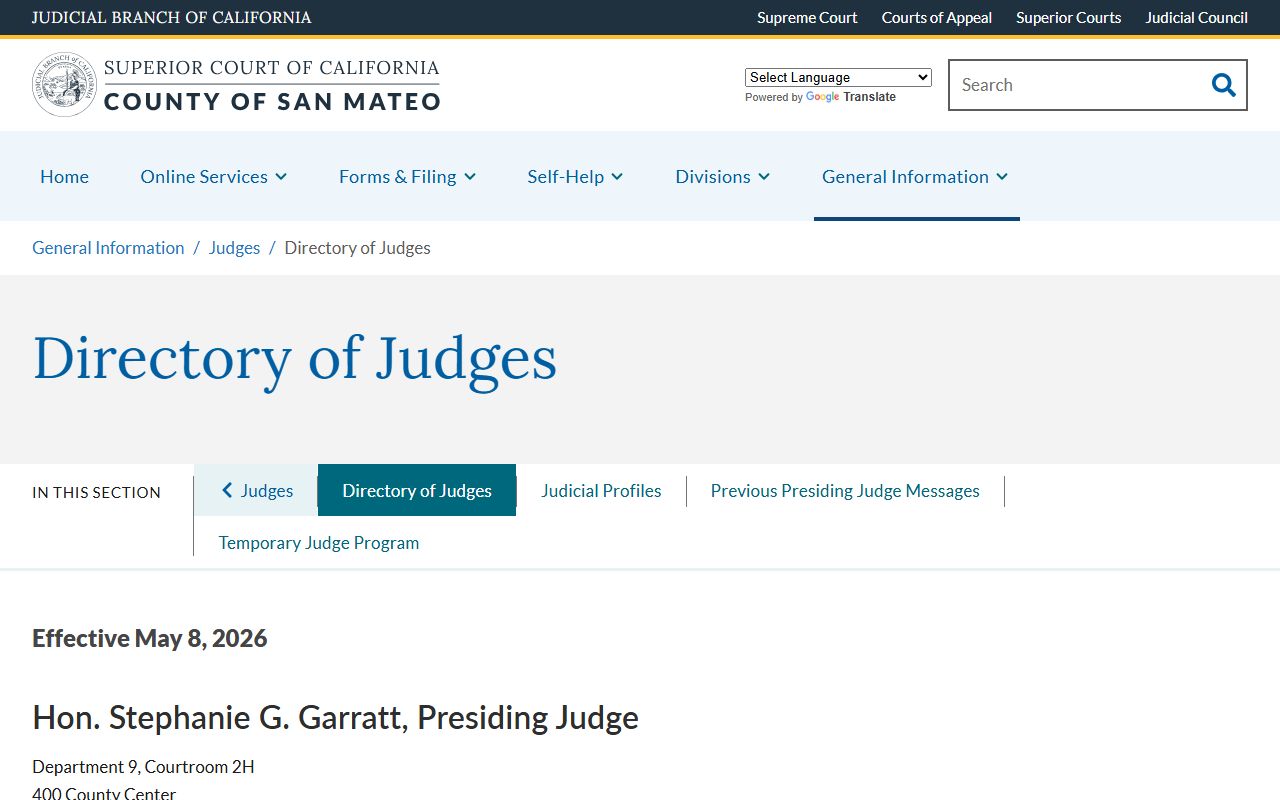
The directory shows which judges run civil, criminal, family law, probate, juvenile, and master calendar departments. A San Mateo County court dockets search makes more sense once the user can tie a department number to a judge.
San Mateo County Daily Court Calendars
Daily court calendars are the day's docket of hearings, set by division. The court keeps phone hours and contact details for each division on the phone numbers and phone hours page. Hearings get assigned by case type, then routed to the right courtroom at the right branch.
| Division | Branch | What the Calendar Holds |
|---|---|---|
| Civil | Hall of Justice and Records, Redwood City | Case management, law and motion, trial setting, unlimited and limited civil trials |
| Criminal | Hall of Justice and Records, 4th Floor, Redwood City | Arraignment, preliminary hearing, motions, plea, trial, sentencing |
| Family | Hall of Justice and Records, Redwood City | Dissolution, custody, support, domestic violence restraining order hearings |
| Probate | Hall of Justice and Records, 1st Floor, Redwood City | Estate, trust, guardianship, conservatorship petitions and accountings |
| Traffic | Northern Branch, South San Francisco | Infraction arraignments, trial by declaration, court trials for tickets |
| Small Claims | Hall of Justice and Records, 1st Floor, Redwood City | Claims up to the statutory cap, with the small claims advisor on call |
Juvenile delinquency and dependency calendars are run at the Juvenile Branch but are not open to the public. Call the Juvenile Clerk before any visit. For an open court calendar question, the main line is (650) 261-5100, with options that route to each division.
Note: Telephone requests to be added to a calendar are accepted only from the attorney of record; parties must appear in person at the criminal clerk's office to be heard the same day.
San Mateo Tentative Rulings
The Superior Court posts tentative rulings online. A tentative ruling is the judge's draft ruling on a law and motion matter, posted before the hearing. The home page at sanmateo.courts.ca.gov links to tentative rulings, courtroom listings, and the court's LiveChat box. Parties read the tentative, then call or appear if they want to contest it. If no one contests, the tentative often becomes the final order.
Tentative rulings sit close to the docket but are not the same as the register of actions. The tentative is a court page. The register of actions is the case-level log. After the hearing, the clerk enters a minute order on the docket that reflects the final ruling, which may match the tentative or change it. Civil tentatives are the most common; family and probate use them for some hearing types.
The court's LiveChat hours run through the Self-Help Center, listed on the self-help and legal resources page, where the blue LiveChat box opens during published hours. LiveChat does not give legal advice, but it can point users to the right docket tool, the right form, or the right division phone line.
Docket Entry vs Full Case Record
The docket is the case timeline. The full case file is the stack of papers. A docket entry tells you what happened. The case file holds the text of every motion, exhibit, order, judgment, and minute. Both come from the same court, but they reach the public through different routes.
| Docket Entry | Full Case Record | |
|---|---|---|
| Format | One short row per event | Full document text, exhibits, signed orders |
| Where it lives | MIDX and the Odyssey Public Portal register of actions | Odyssey for some doc types, plus paper files at Records Management |
| Access | Free online, no login | Some online; many need an in-person visit or mail request |
| Fees | None for viewing | Court copy and certification fees apply |
| Best use | Track filings, find hearing dates, confirm a case exists | Read the actual order, exhibit, or judgment for legal use |
Most quick lookups end at the docket. A full case record is what a lawyer or party pulls for a court filing, an appeal, or proof of a court action. Off-site files take time, and the Records Management Division asks for a written request with the case number before staff retrieves them.
San Mateo County Civil Grand Jury Reports
The Civil Grand Jury is a 19-citizen body that sits as an arm of the Superior Court. It is not a treatment court, and it is not part of the daily docket. Its reports are public records and live on the court's Civil Grand Jury overview page. The jury reviews county and city government operations and issues reports.
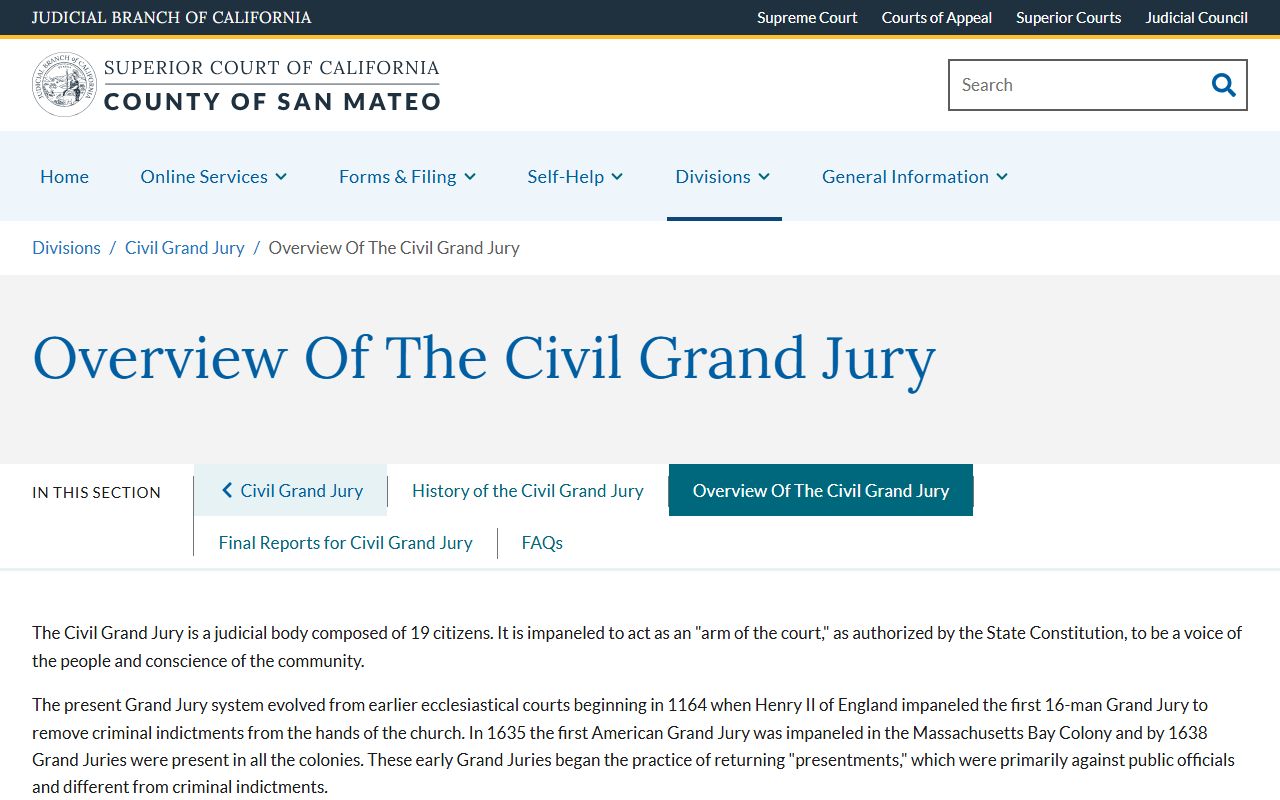
For users who track a Civil Grand Jury report, the court page is the source of record. If indictments are needed, a separate criminal grand jury is impaneled, and those proceedings stay confidential by statute.
Reading San Mateo County Docket Codes
San Mateo County dockets use case-type prefixes that point to the case kind. Cases converted from older systems between January 1, 2000 and June 15, 2016 use alpha prefixes. Cases filed after June 15, 2016 use native Odyssey numbers with a two-digit year, three-letter case type, and a sequence number.
Common civil prefixes include CIV for unlimited civil and CLJ for limited civil. Family law uses FAM. Probate uses PRO. Small claims runs as SCS, SCC, or SCN by branch. Criminal cases used NM, NF, SC, SF, and SM for the converted set, and the native format mirrors the year-prefix pattern. A native case looks like 16CIV00123 or 16FAM00123. The prefix tells you which division will hear the case and which docket rules apply.
Docket terms can be dense. A few quick reads help.
Note: A case can have many minute orders, but only one judgment line; the judgment is the row to read when you need the final outcome.
Dockets That Are Not Public
Some San Mateo County court dockets stay off the public portal. Family law documents are blocked at this time, even though the index may show a case exists. Juvenile case files are confidential under California Welfare and Institutions Code section 827. Adoption records are confidential under California Family Code section 9200. Mental health case information is not posted online. Sealed records under California Rules of Court 2.550 and 2.551 are removed from public view by court order.
For these case types, the path is the Clerk's Office, in person, with proof of party or representative status. The Juvenile Clerk asks callers to phone first before any visit. The court routes administrative-record requests, which are separate from case dockets, to administrativerecords@sanmateocourt.org under California Rules of Court rule 10.500.