
How to Search San Mateo County Court Records
The first stop for most users is MIDX, the San Mateo County Superior Court Records Index at web.sanmateocourt.org/midx/. MIDX is index-only. It tells you whether a case exists, who the parties are, what the case number is, and the filing date. It will not show you docket entries or scanned documents. For that, the court points the public to the Odyssey Public Portal at odyportal-ext.sanmateocourt.org, where the register of actions is open for civil, family law, probate, small claims, criminal, and traffic cases that are not sealed or confidential.
Before you start, pull the basics together. You will need a full party name, a case number, or a tight date window. Names need at least two characters. Case numbers need at least five. The portals accept wildcards by adding an asterisk after a partial term, which is helpful when a surname spelling is uncertain or a business name uses odd punctuation.
The image below shows the court's own page on viewing records. It came from the Records Management Division's official rules page (sanmateo.courts.ca.gov/divisions/records-management/viewing-court-records).
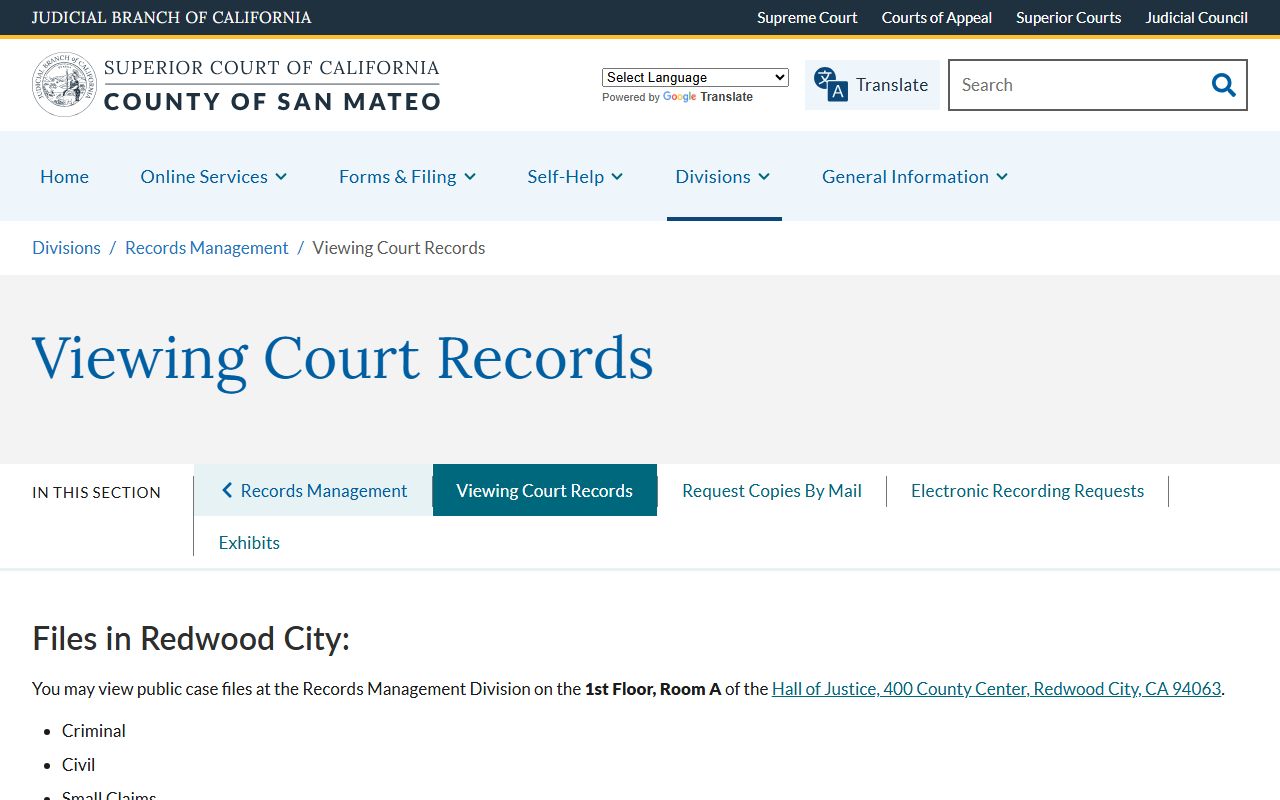
The page lists file limits, juvenile and traffic routing, and the steps to request off-site files. Plan ahead if a file is older than five years; it may be in storage and need a pull request first.
- Open MIDX and pick a tab: Case Number, Person, Business, or Filing Date.
- Type at least the minimum number of characters. Use an asterisk for a wildcard.
- Submit. Review the index hits and copy the case number you need.
- Move to the Odyssey Public Portal and run Smart Search by name or case number.
- Click into the case to view the register of actions and any open documents.
- If you need certified or paper copies, mail Records Management or visit in person.
Note: MIDX was current as of 5:30 a.m. on the day of inspection, so very new filings may not appear for several hours.
San Mateo County Court Records Search Fields
Each MIDX tab opens a different form. The fields below match the live portal, which has four tabs and two buttons (Submit and Clear) on each tab. Hidden fields like sort order are managed by the site and do not need user input.
| Field Label | Type | Required | Notes / Format |
|---|---|---|---|
| Case Number | Text | Yes, case-number tab | Minimum 5 alpha-numeric characters. |
| First Name | Text | Yes, person tab | Minimum 2 characters; wildcard allowed with asterisk (*). |
| Last Name | Text | Yes, person tab | Minimum 2 characters; wildcard allowed with asterisk (*). |
| Business Name | Text | Yes, business tab | Minimum 3 characters; wildcard with asterisk (*). |
| Date From | Date | Yes, filing-date tab | MM/DD/YYYY; range capped at 5 calendar days. |
| Date To | Date | Yes, filing-date tab | MM/DD/YYYY; range capped at 5 calendar days. |
| Smart Search (Odyssey) | Text | Recommended | Party name or case number; wildcard with asterisk. |
| Advanced Filtering (Odyssey) | Expandable | Optional | Adds party role, case type, date filters. |
Case numbers follow two formats. Converted data from January 1, 2000 through June 15, 2016 used alpha prefixes like CIV123456, FAM0123456, PRO123456, or SCS123456. Native Odyssey numbers from June 15, 2016 forward use a two-digit year plus three-letter code plus a sequence, for example 16CIV00123 or 17PRO00045. Pick the format that matches the era of the case you are after.
Types of San Mateo County Court Records
The Superior Court is unified. One trial court handles every type of case in the county. That means civil, criminal, family, probate, small claims, juvenile, traffic, and mental health files all sit inside the same case-management system. They are split by case type code, not by court. Some types are public by default. Some are sealed by law. The mix is summarized below.
- Civil case files cover lawsuits, contract claims, personal injury, unlawful detainers, and name changes; most are public.
- Criminal case files include the complaint, charges, plea, sentencing, fines, and warrants for misdemeanors and felonies.
- Family law files cover divorce, custody, support, parentage, and domestic violence orders; index is public but documents are limited online.
- Probate files cover wills, estates, trusts, guardianships, and conservatorships; non-sealed records show on Odyssey.
- Small claims files run through the Central Branch and show in MIDX and Odyssey.
- Traffic files are paid and viewed through the Odyssey traffic payment side; see the traffic court records page.
- Juvenile and adoption files are confidential and not online; only certain parties may view them.
Branch routing matters when you order copies. Civil, criminal, family, probate, and small claims work at the Hall of Justice and Records, 400 County Center, Redwood City. Traffic sits at the Northern Branch in South San Francisco. Juvenile files are at 222 Paul Scannell Drive in San Mateo, but you must call the Juvenile Clerk before any review attempt. For arrests and the booking file, see San Mateo County arrest records; the court case is separate from the jail file.
What San Mateo County Court Records Show
A San Mateo court record is more than the case number. It is a packet of fields built up over the life of the case. Some fields print at the top of every docket sheet. Others appear only when a hearing happens or an order is signed. The table below maps the most common fields that the public sees in MIDX and Odyssey, with a plain note on what each one really means.
| Field | What It Shows |
|---|---|
| Case Number | The court's unique ID, with an era prefix (CIV, FAM, PRO, NF, NM) or a year-coded Odyssey format. |
| Case Type | Civil, criminal, family, probate, small claims, traffic, juvenile, mental health, adoption, or unlawful detainer. |
| Filing Date | The date the case was opened with the Clerk of the Superior Court, or the citation date for traffic. |
| Parties | Plaintiff and defendant in civil, People and defendant in criminal, petitioner and respondent in family or probate. |
| Attorneys | Counsel of record where public, with party represented and bar number. |
| Judge / Department | The assigned judge, courtroom, and calendar; check the Superior Court page for branch info. |
| Status | Open, disposed, dismissed, judgment entered, stayed, sealed, or warrant active. |
| Register of Actions | The chronological docket: filings, hearings, orders, minutes, and service events. |
| Hearings | Date, time, courtroom, hearing type, and minute-order result. |
| Documents | Pleadings, motions, orders, judgments, minute orders, and proofs; visible only where remote display is allowed. |
| Financials | Filing fees, fines, restitution, bail, assessments, judgment dollar amounts, fee waivers. |
| Redactions | DOB, SSN, driver license, account numbers, medical info, victim or minor identifiers may be masked. |
Note: Family law documents are not shown on the public portal at this time, but the case index and hearing dates still appear.
Public Access Laws for San Mateo County Court Records
California court records are open by default. That comes from a mix of constitutional access principles, statutes, and the California Rules of Court. Court case files are adjudicative records and are not the same as Public Records Act files held by an executive agency. The two systems run in parallel, and they use different forms and different fee tables.
For administrative records of the court itself, San Mateo points the public to California Rules of Court, rule 10.500, and asks requests to go to administrativerecords@sanmateocourt.org. For case records, the path runs through the clerk or Records Management. For agency-held files at the Sheriff or District Attorney, the path runs through the California Public Records Act.
Key California Statutes
- Government Code section 7920.000 names the California Public Records Act and sets the baseline access rule.
- Government Code section 7922.000 covers the disclosure balancing test for agency records.
- Welfare and Institutions Code section 827 makes juvenile case files confidential.
- Penal Code section 851.91 allows sealing of arrests that did not lead to a conviction.
- Government Code section 68150 sets trial court records retention authority.
- California Rules of Court, rule 2.503, limits remote public access to sensitive case types.
Anyone can ask. The court does not require a reason or a California address. You may need a photo ID for in-person review of certain files, and you must follow Records Management rules on files in the courtroom, files in active use, or files older than five years that have moved off-site. Standard copy fees apply, with extra cost for certification.
Sealed and Confidential San Mateo County Court Records
Not every file is open. California law keeps several record types out of the public portal and out of in-person review by default. Juvenile delinquency and dependency files are closed under WIC section 827. Only listed people, like a parent, an attorney of record, a social worker, or the minor, may inspect them, and even then only after the clerk confirms the role. Adoption files are closed under Family Code section 9200 absent a court order. Mental health case files are off Odyssey by court rule. Family law documents do not display on the public portal at this time, though the docket index still appears.
Sealed civil and criminal files exist too. The court may seal a record under California Rules of Court, rules 2.550 and 2.551, after making the required findings. Arrests that did not lead to a conviction can be sealed under Penal Code section 851.91 or relieved automatically under section 851.93. Convictions can sometimes be dismissed under Penal Code section 1203.4. None of these moves erase every trace; they limit public access, but the court keeps its own copy.
To petition for access to a sealed file, the requester files a motion in the same case, serves the parties or the agencies named in the sealing order, and asks the judge for an order unsealing the file or releasing a redacted copy. The motion goes to the same department that handled the case. The clerk will not release a sealed file on a counter request; only a signed order works. For more on this process, the public records page walks through the broader rules.
Fees, Certified Copies, and Mail Requests
Records Management runs the copy process for civil, family, probate, and small claims files. The unit is on the first floor of the Hall of Justice and Records, Room A. The image below comes from the court's mail-request page, which lists the form, the fee, and the required check details.
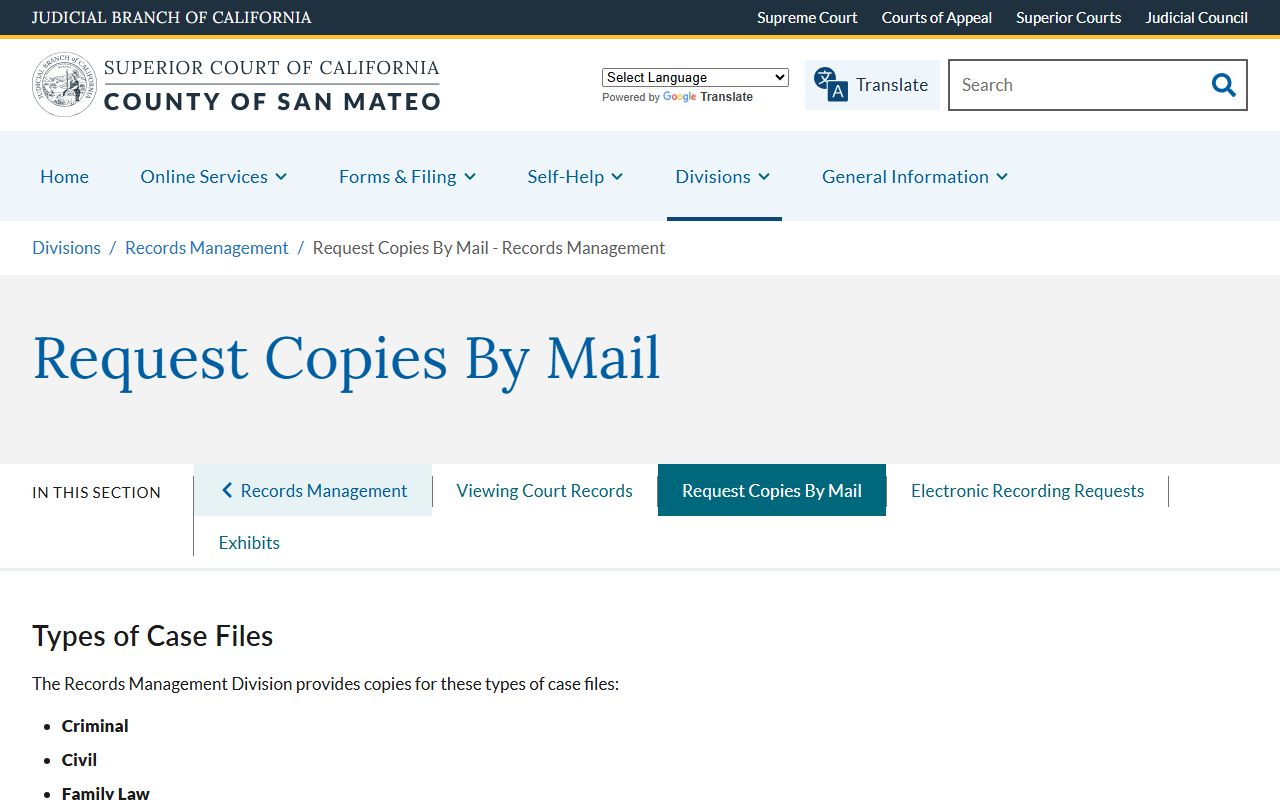
The source is the Records Management copy-by-mail page at sanmateo.courts.ca.gov/divisions/records-management/request-copies-mail-records-management. Mail requests need a self-addressed stamped envelope, a check made out to the court, and a clear case number or party name. The clerk will not search without a usable identifier.
A certified copy carries the clerk's seal and signature. Certified copies are the kind a bank, a school, or an out-of-state court will accept as proof. Plain copies are fine for personal use. Both come from the same form, but the certified line item adds a per-document charge on top of the per-page fee. If the file is older than five years, allow extra time; the staff may need to pull from off-site storage.
Online vs In-Person Court Record Requests
Online wins on speed. MIDX and the Odyssey Public Portal are free, run 24 hours a day, and need no login for public records. They cover most civil, criminal, probate, small claims, and traffic cases. They do not show juvenile, adoption, or mental health files, and family law documents are still held back from public display.
In-person wins on depth. The Records Management counter can pull a paper file, let you review the full record under staff supervision, and print certified copies on the spot during open hours. The judges' calendar and courtroom dockets also appear at the courthouse on posted call sheets. For the bench overview, the judges directory lists the assigned department for each judge.
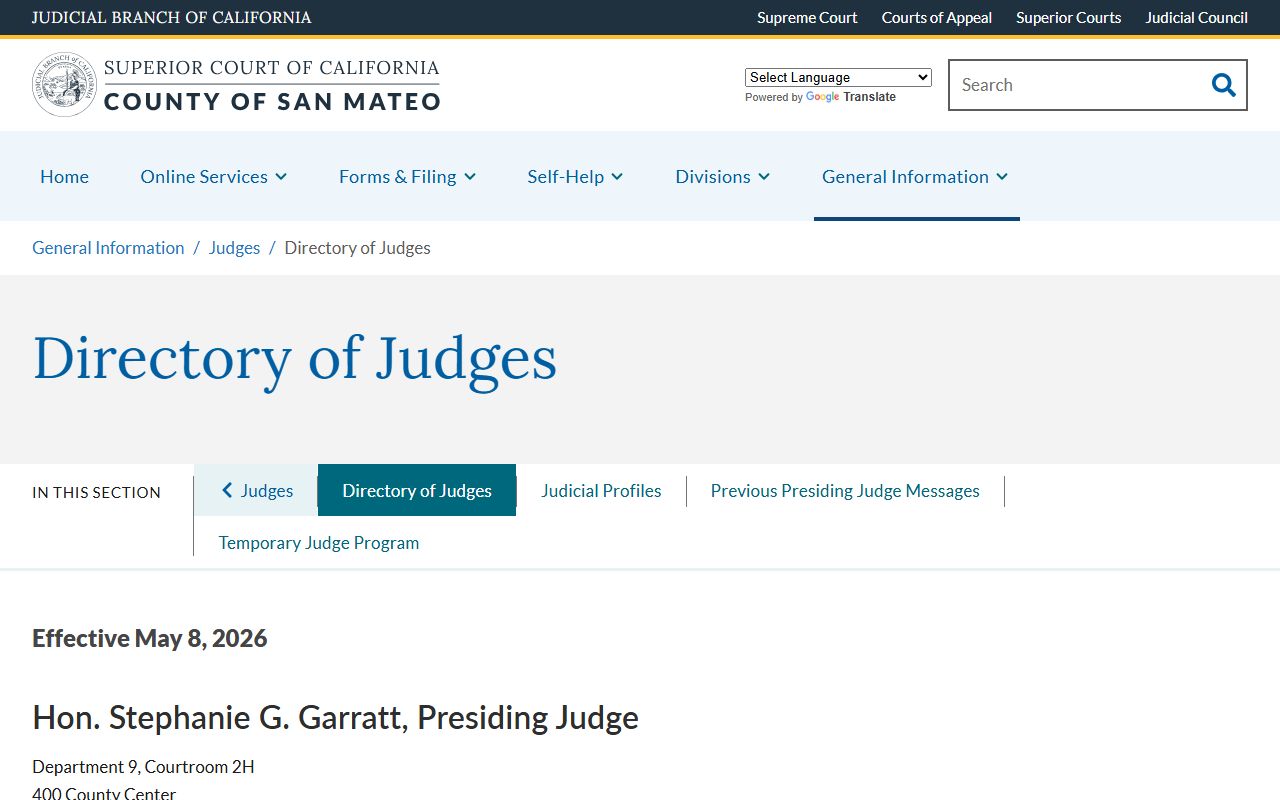
The image above is the official directory from the Superior Court site. Mail sits in the middle. Mail is slower than online and less rich than counter service, but it works for out-of-county requesters and for old files where staff retrieval is part of the order. Plan two to four weeks for a mail copy. Self-represented users can also pick up Judicial Council forms at courts.ca.gov/forms.htm before filing or before a hearing.
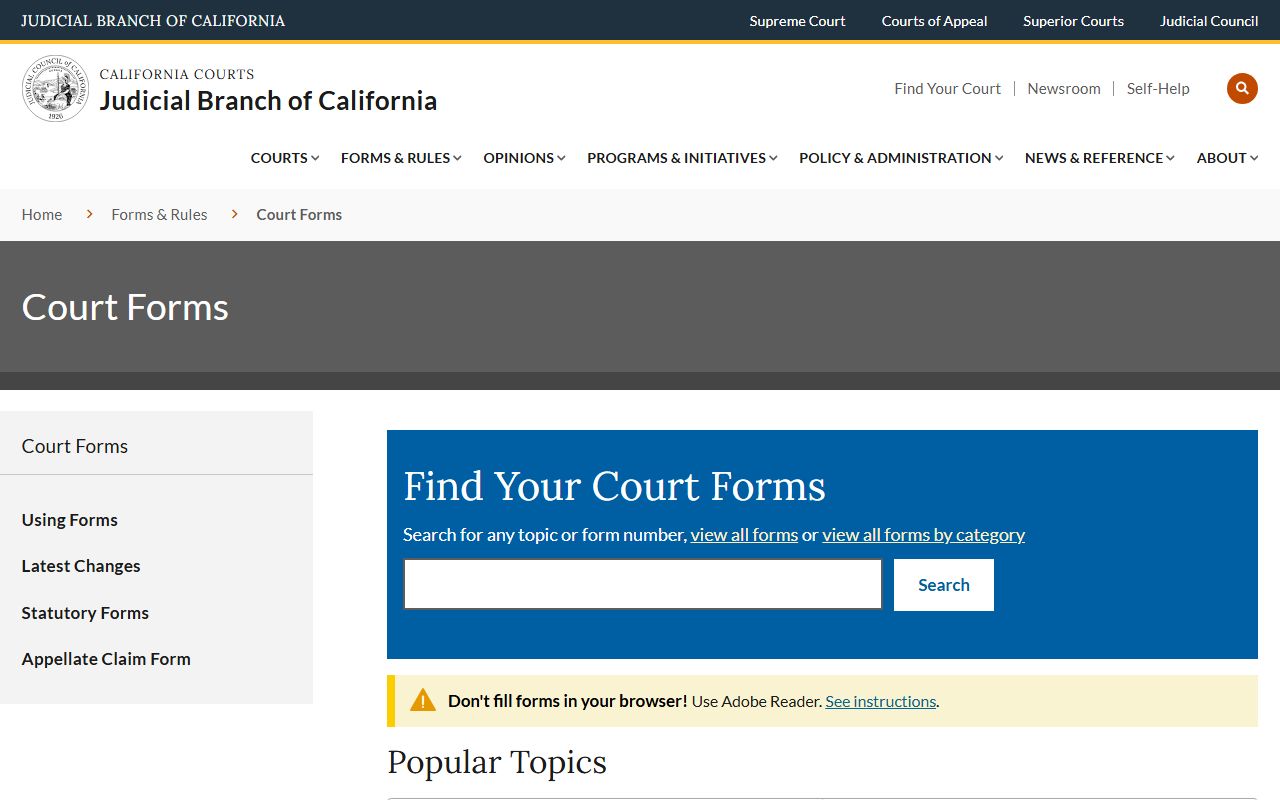
The Judicial Council forms site, shown above, is the state-wide form bank cited on the San Mateo self-help pages. It includes form CR-409 for arrest record sealing under Penal Code 851.91, and the FL family law set used in dissolution filings.
In-Person San Mateo County Court Record Requests
The Records Management counter sits inside the Hall of Justice and Records in Redwood City. Walk-ins are accepted during posted hours, but the phone window for civil, family, and probate records is short, so call early in the day. Bring a photo ID, the case number, and payment for any copies. Cash, check, or card is usually fine, though check the posted notice at the window for the day's policy.
Records Management, Superior Court of California, County of San Mateo
Hall of Justice and Records, 1st Floor Room A
400 County Center
Redwood City, CA 94063
(650) 261-5100
Phone hours 8:30 a.m. to 1:00 p.m., Monday through Friday
Note: Files older than five years often sit in off-site storage and need a pull request before they can be reviewed.